 perch
perchPut a pixel creature on any website you visit
The Perch extension runs the same creature as the library on the pages you open. It stands on the page's real headings, text and buttons, rides them while you scroll, and points at the main button. Free and open source.
Install
Chrome Web Store: in review. One-click “Add to Chrome” appears here as soon as Google approves it.
Install it now (1 minute)
- Download perch-extension.zip and unzip it.
- Open
chrome://extensionsand switch on Developer mode (top right). - Press Load unpacked, choose the unzipped folder, pin the Perch icon and click it on any site.
How it works
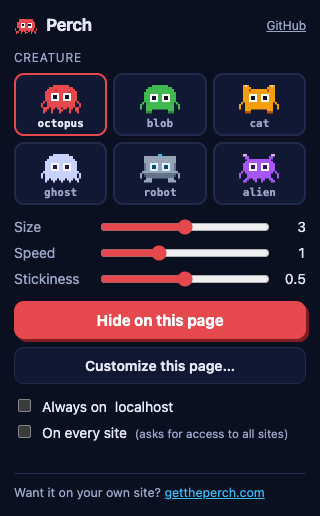
- Click the icon, press Show on this page. The creature lands on the page and goes to the main button. Press Alt+Shift+P to show or hide it.
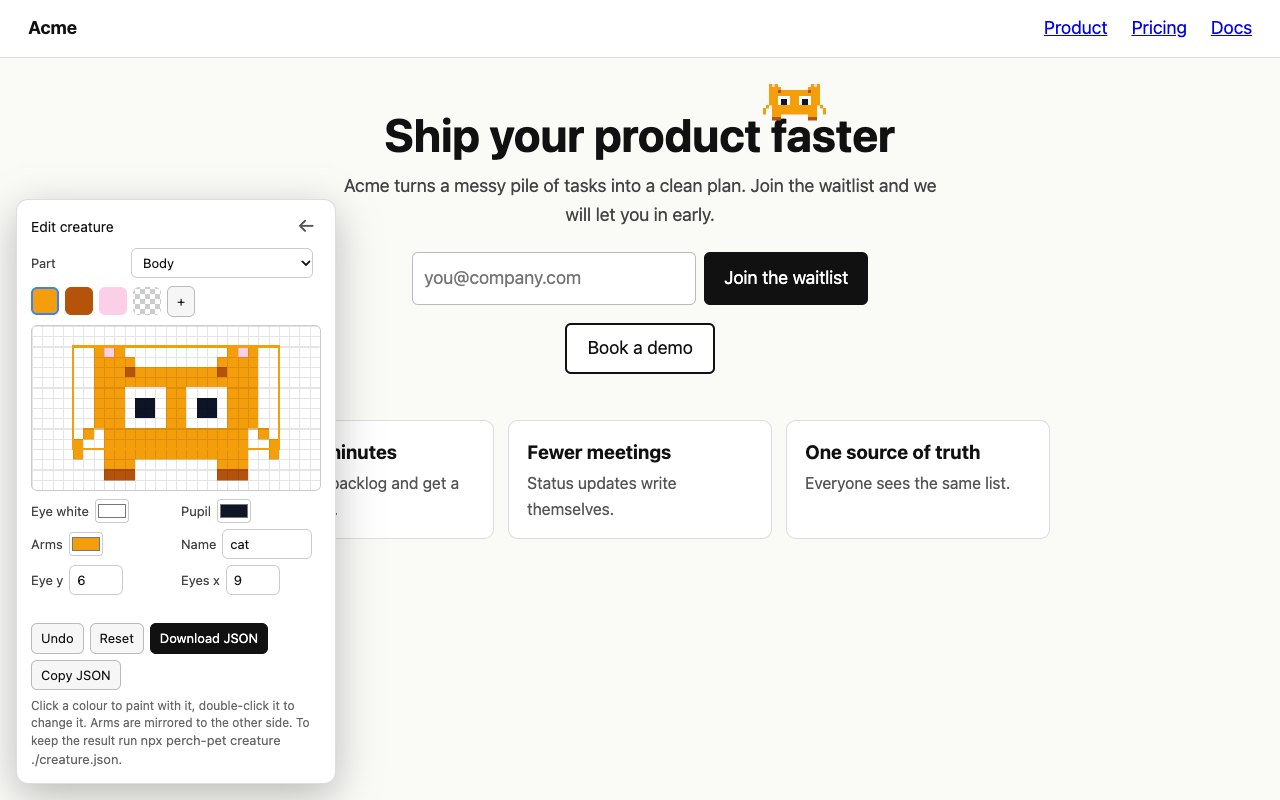
- Press Customize this page (Alt+Shift+T). The panel is the one from the library: swap between six creatures, draw your own in the pixel editor, show the floors it found, and pick the goal or things to ignore by clicking them.
- Keep it on. Choose Always on this site or On every site. Both ask Chrome for permission first.
What it can and cannot see
| Permission | Why |
|---|---|
activeTab | Lets it add the creature to the tab you clicked, and nothing else. It lasts until you leave the page. |
scripting | To add the creature script to that tab. |
storage | To save your creature and settings. Chrome can sync them between your devices. |
| Access to all sites (optional) | Only asked for if you switch on On every site. You can switch it off again, and Chrome takes the access back. |
It collects nothing and sends nothing anywhere. There is no server. Read the privacy policy or the source.
Good to know
- Chrome does not allow extensions on
chrome://pages or the Chrome Web Store. - In On every site mode it skips Google Docs, Figma, Miro and Excalidraw, where a creature on top of a canvas only gets in the way.
- The page is never changed. The creature is one overlay layer, and the extension turns the landing animation on page elements off.
- Change the shortcuts at
chrome://extensions/shortcuts.
Questions
Is it free?
Yes. It is MIT licensed, and the source is on GitHub.
Does it slow pages down?
The script is about 13 kB gzipped and draws one small canvas. It stops in background tabs. It only runs on pages where you turned it on.
Can I put it on my own website instead?
Yes. Run npx perch-pet in your project, or paste one script tag. The extension is only for the pages you visit.
Does it work in Firefox or Safari?
Not yet. It works in Chromium browsers such as Chrome, Edge, Brave and Arc.